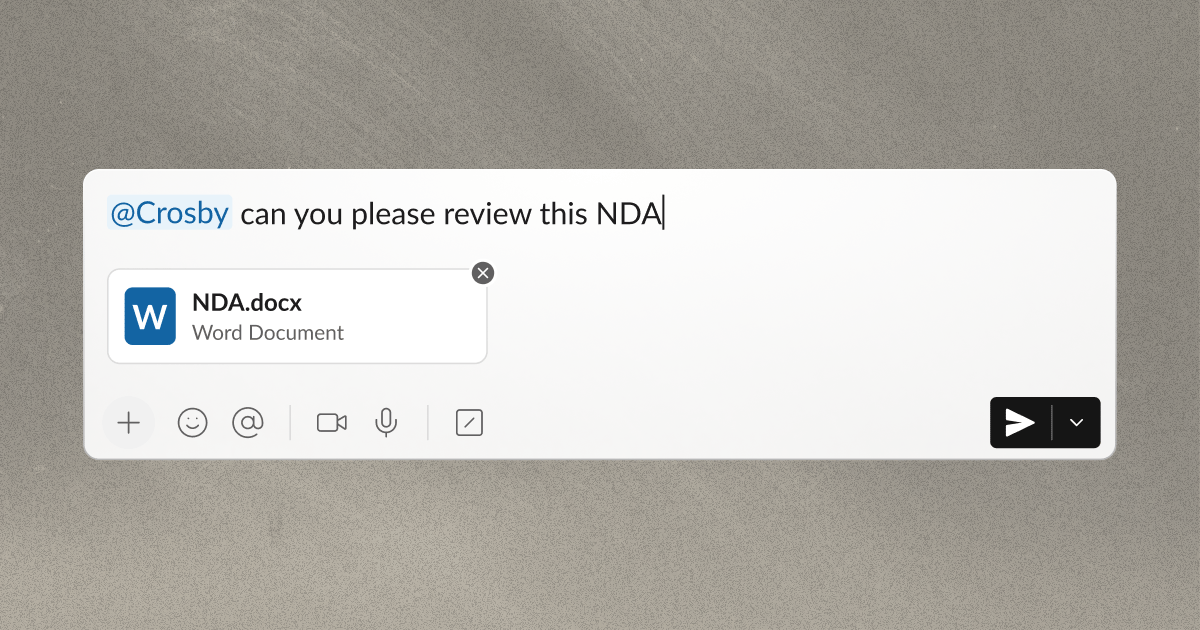
The Crosby agent helps you work with Crosby’s legal team in Slack. Use it to send contracts, ask questions, and get review updates. Crosby’s human legal team reviews your commercial contracts and provides legal advice. Image

How to talk to the agent

Tag @Crosby in your shared channel. Explain what you need from Crosby and attach the relevant documents.

Start a review

Send an agreement for review or ask about specific terms. You can also send redlines, which show changes to a document. The agent collects the information that the legal team needs.

@Crosby Please review the attached Northstar MSA. We'd like to respond by Thursday at 3 p.m. Eastern.

Keep each request in one Slack thread. A thread contains a message and its replies. The agent can read that thread, but it cannot automatically read other threads or the rest of the channel. See the contract review process for what to include.

Ask a follow-up question

Ask about a document or an earlier response in the same thread. The agent can find facts, resend available files, and explain any remaining action items.

@Crosby Which action items are still waiting on our input?

The agent links to earlier messages when a link is available. It can repeat advice from the legal team. Questions that need new legal advice or document changes will be handed off to the Crosby legal team. See Ask the agent questions for examples.

Ask about review status

Ask whether the review started or when the team can return it.

@Crosby Has the Northstar review started? Can you confirm whether it will be ready by Thursday afternoon?

The agent can share the review status and timing that the team already provided. If you need more detail, the legal team replies in the thread. See getting updates for status emojis and review updates.

Find a form document

A form document is a standard agreement. Crosby is making this feature available to more teams. If your team has access, ask for a form that you have on file with Crosby.

@Crosby Can you send me our standard mutual NDA?

See finding form documents for details. Look for this footer when Crosby returns a review:
💬 Sent by the Crosby legal team
This footer means that a human member of the legal team wrote the response. Read the response and the returned document. Reply in the same thread with answers or questions.

Status reactions indicate review progress

Crosby adds 👀, ⌛, ✅, and ⚠️ to the first message in the thread. These emojis show the status of your request. A ✅ means that the legal team sent a response. It does not mean that the agreement is ready to sign. See what each status emoji means.

Share feedback on agent responses

The 👍 Good and 👎 Bad buttons that appear below a reply can be used to rate that reply. This is shared with our team to improve the performance of the agent. See giving feedback on an agent reply.

Message Crosby directly

A direct message (DM) is separate from your shared channel. Ask Crosby to enable DMs for your organization before you use them. See direct messages for access and instructions.