

Start a review
Start a workflow as you normally do, whether in Ironclad, Salesforce, or another connected system. When it reaches the review stage, Ironclad sends it to us. You will usually see Crosby listed as the Legal reviewer. Use the workflow fields and comments to tell us what you need:- What you need, such as a review, document changes, or an answer to a question.
- Your deadline.
- The business goal and deal size.
- Any terms or risks you want us to focus on.
- The contract and any reference documents.
.docx) file for us to edit. You can include PDFs for reference, but we cannot edit Google Docs through Ironclad.
If you need help with a passage, attach the document or paste the text into a comment rather than sending a screenshot.
Get review updates
We post a comment when we receive your request, then another when we start the review.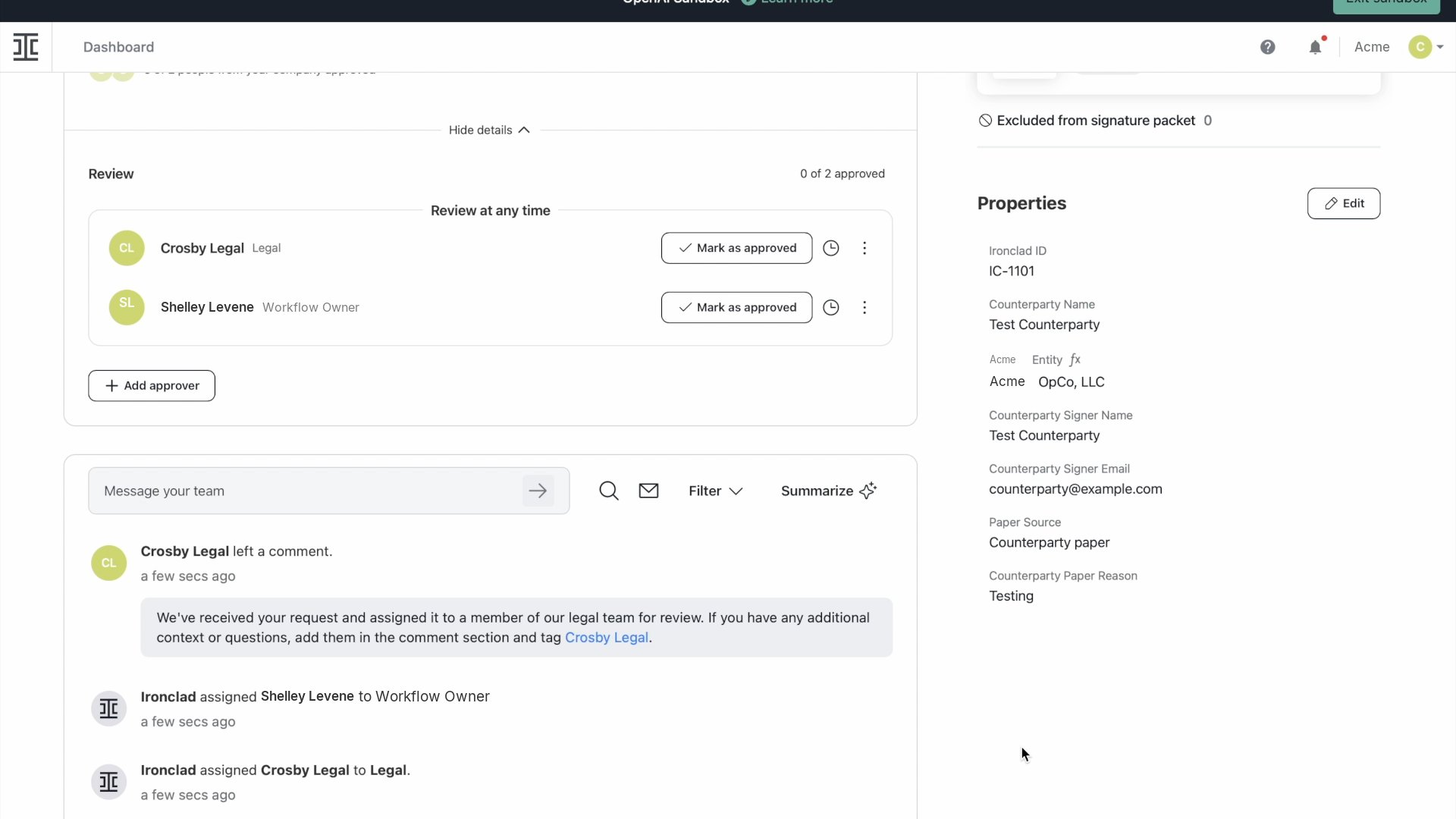
Our first comment lets you know we received your request.
Read our review
We upload the revised document as a new version and leave a note in the comments. The note covers the main changes and any questions or business decisions we need your help with. We tag the right person on your team when the review is ready. Read our note alongside the revised document. Reply to any action items in the comments and tag @Crosby.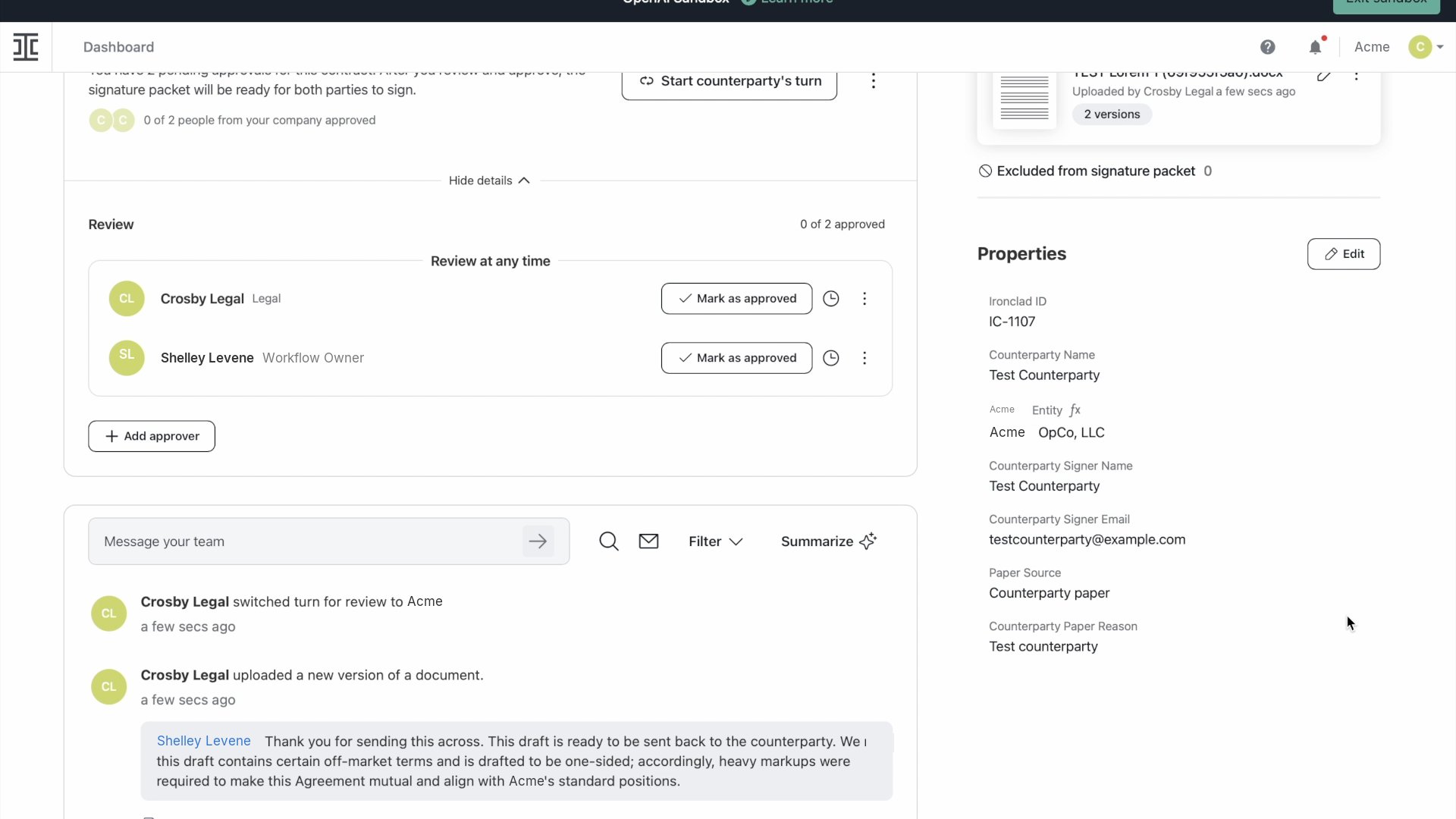
The revised document and our review note stay in the workflow.
Continue the negotiation
If you have a follow-up question or need more changes, comment in the same workflow and tag @Crosby. We can miss comments that do not tag us.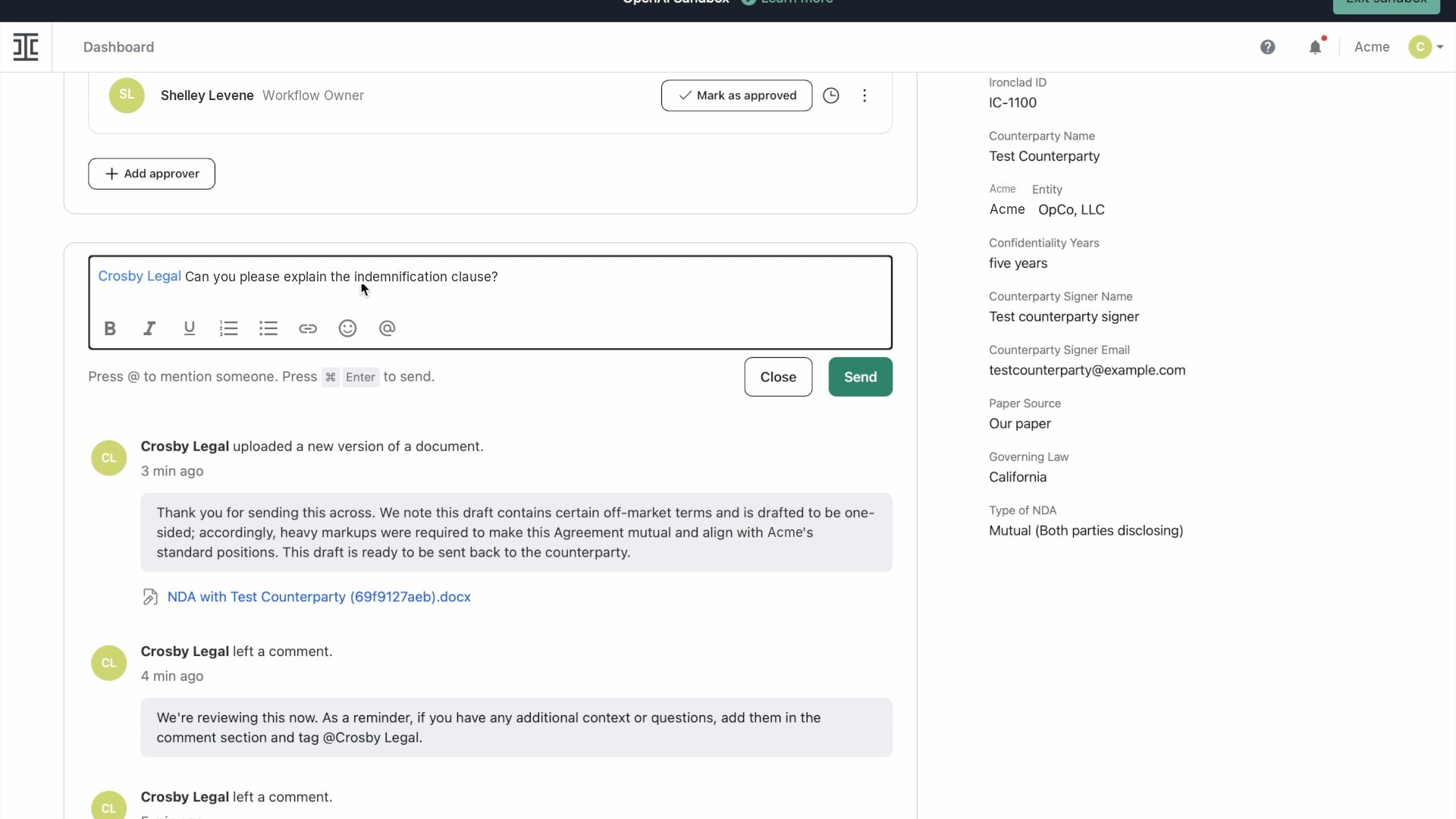
Tag Crosby in the comment when you ask a follow-up question.
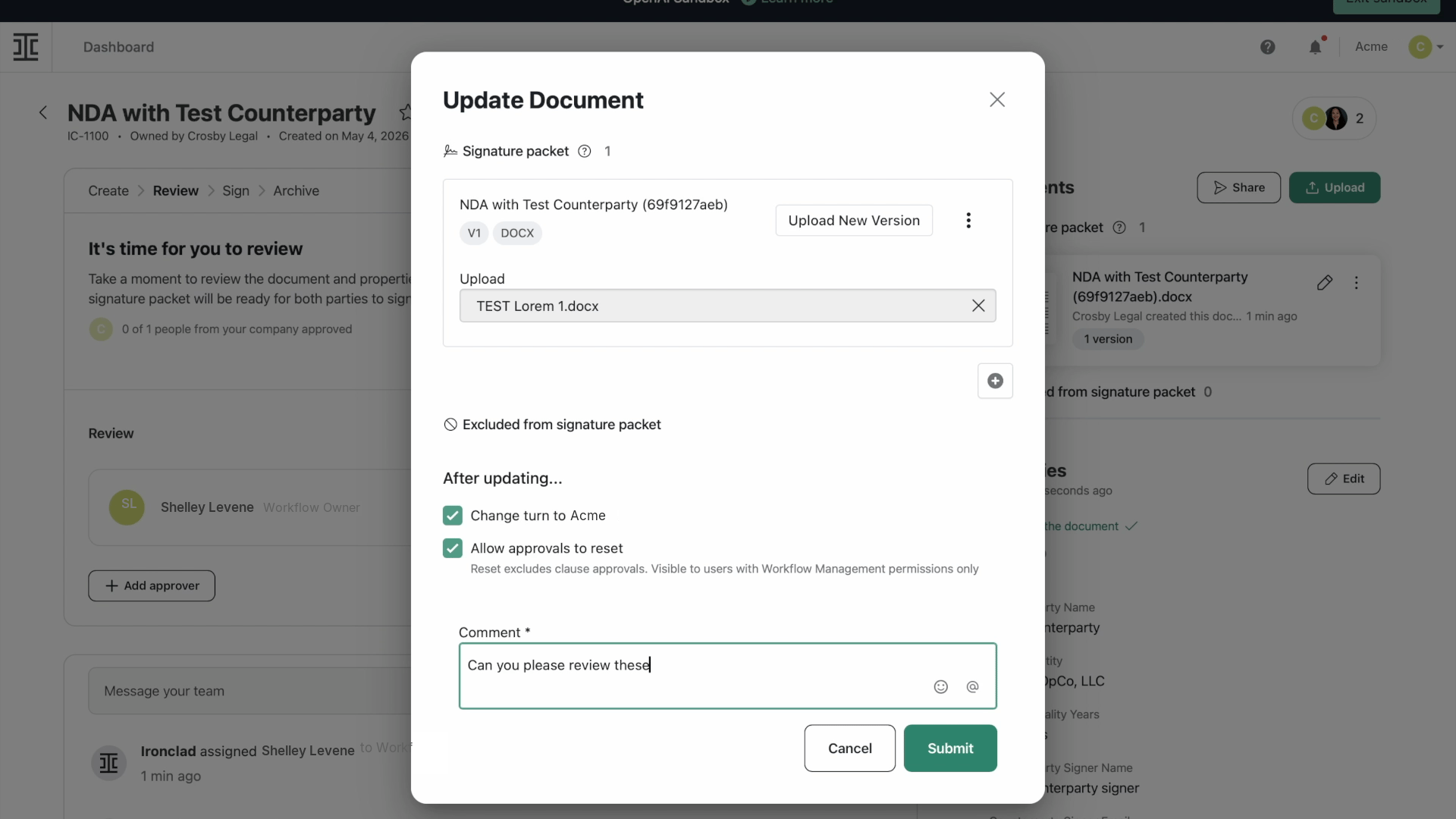
Upload later revisions to the existing workflow.
Ask for urgent help
If you need urgent help, tag @Crosby in a comment, say that the request is critical, and include your deadline. Our legal review hours are Monday through Friday, 9 a.m. to 11 p.m. Eastern. If you send a request outside those hours, we review it when the team is back. If you need a response before then, mark the request as critical and tell us when you need it. This helps us prioritize.Bring in the right teammate
If a question needs input from your legal, security, or technical team, we tag the contact agreed with your team. You can also tag @Crosby and tell us who to include. Keep that conversation in the workflow so everyone has the context.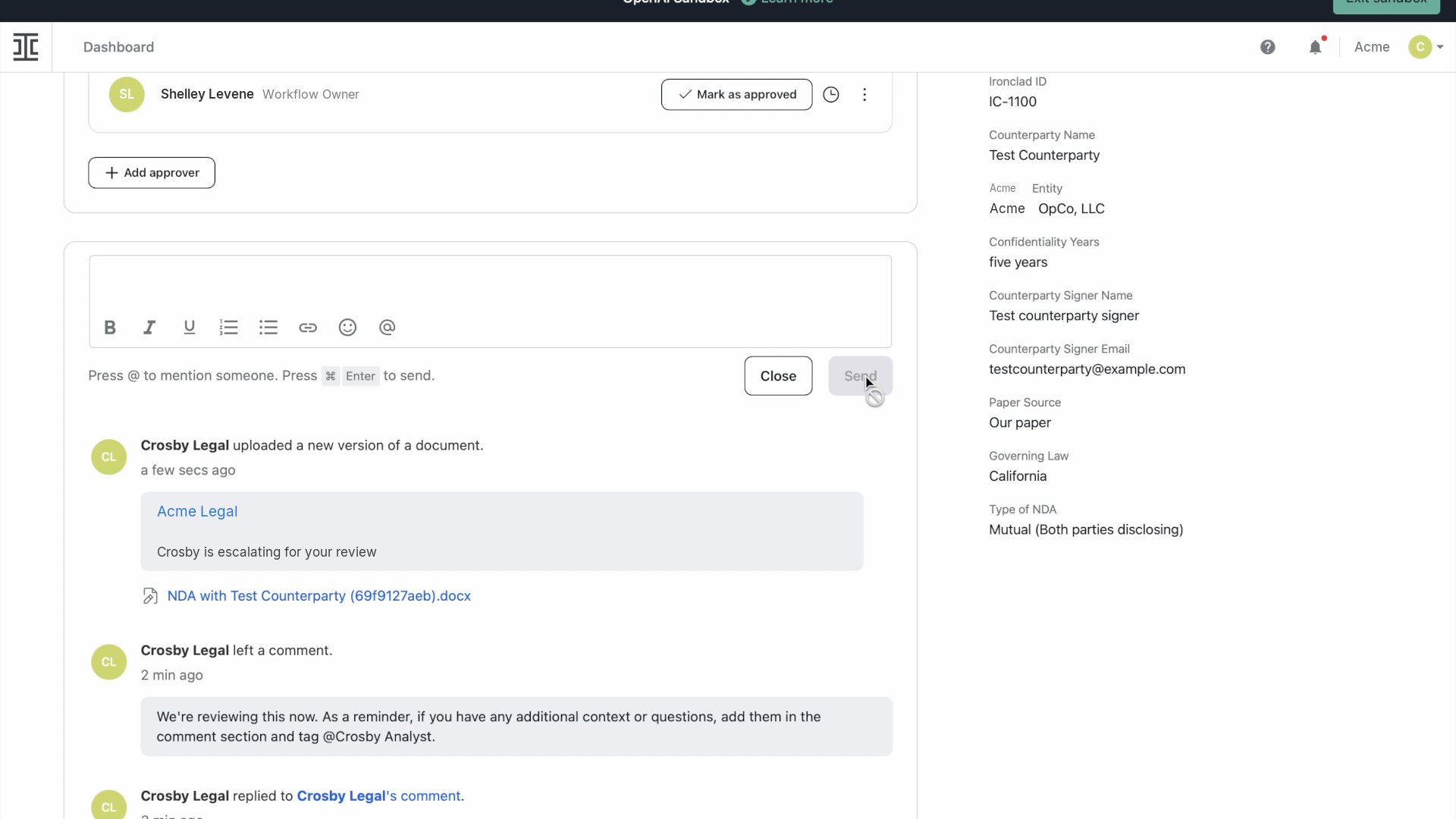
We tag your internal contact when we need their input.
Finish the review
When the agreement is ready, we upload a clean copy and complete our approval step in Ironclad. We also tag the workflow owner and final approver. Our approval means we finished our part of the review. Your team’s process determines who gives final approval and what happens next.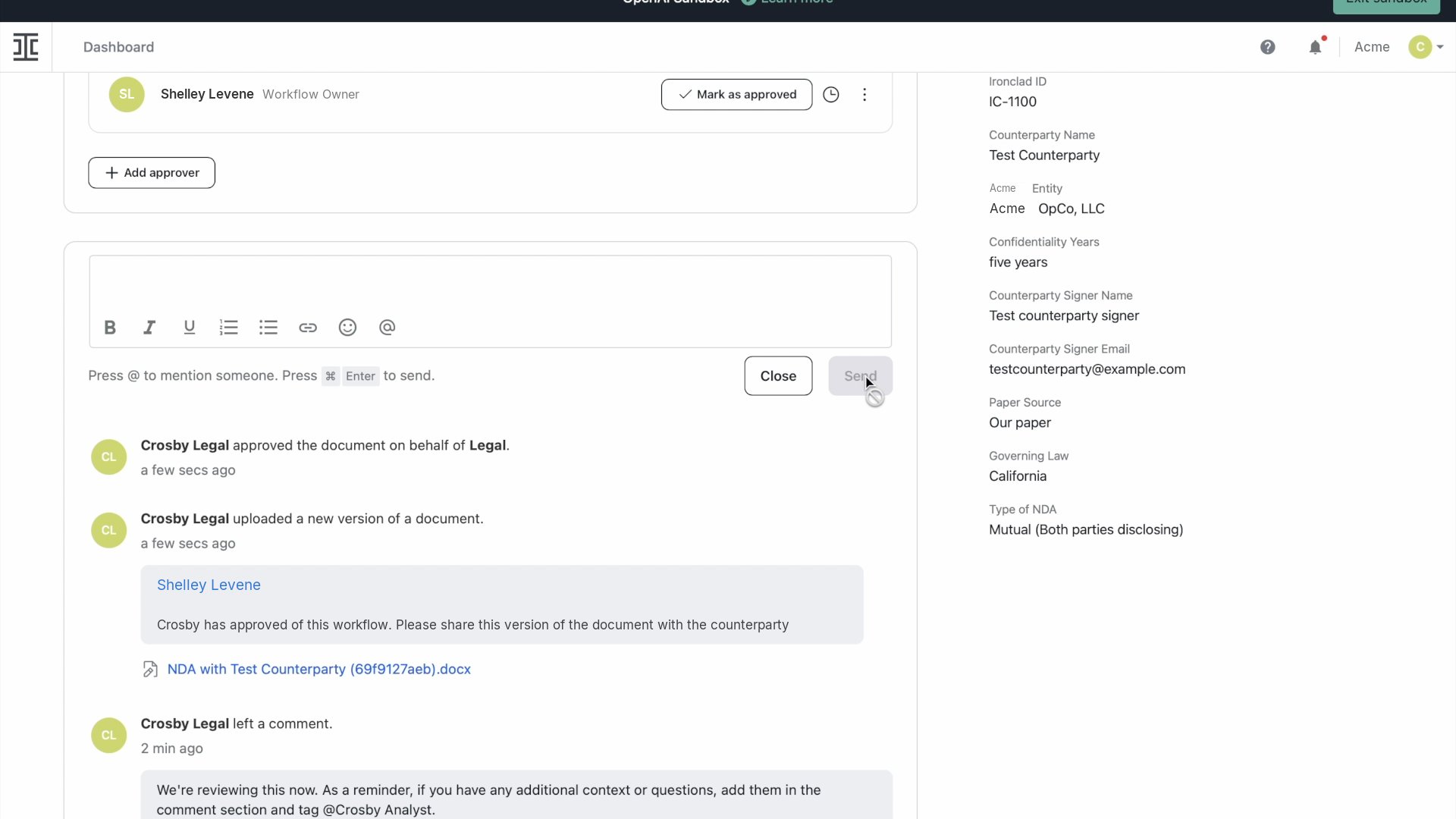
Our approval appears in the workflow history.