

How to work over email
- Send to your designated Crosby address with the ask, context, and docs (or forward the thread and add that note).
- Crosby replies in the same thread with markup, a cover note, and any questions.
- Keep follow-ups in that thread so history and files stay together.
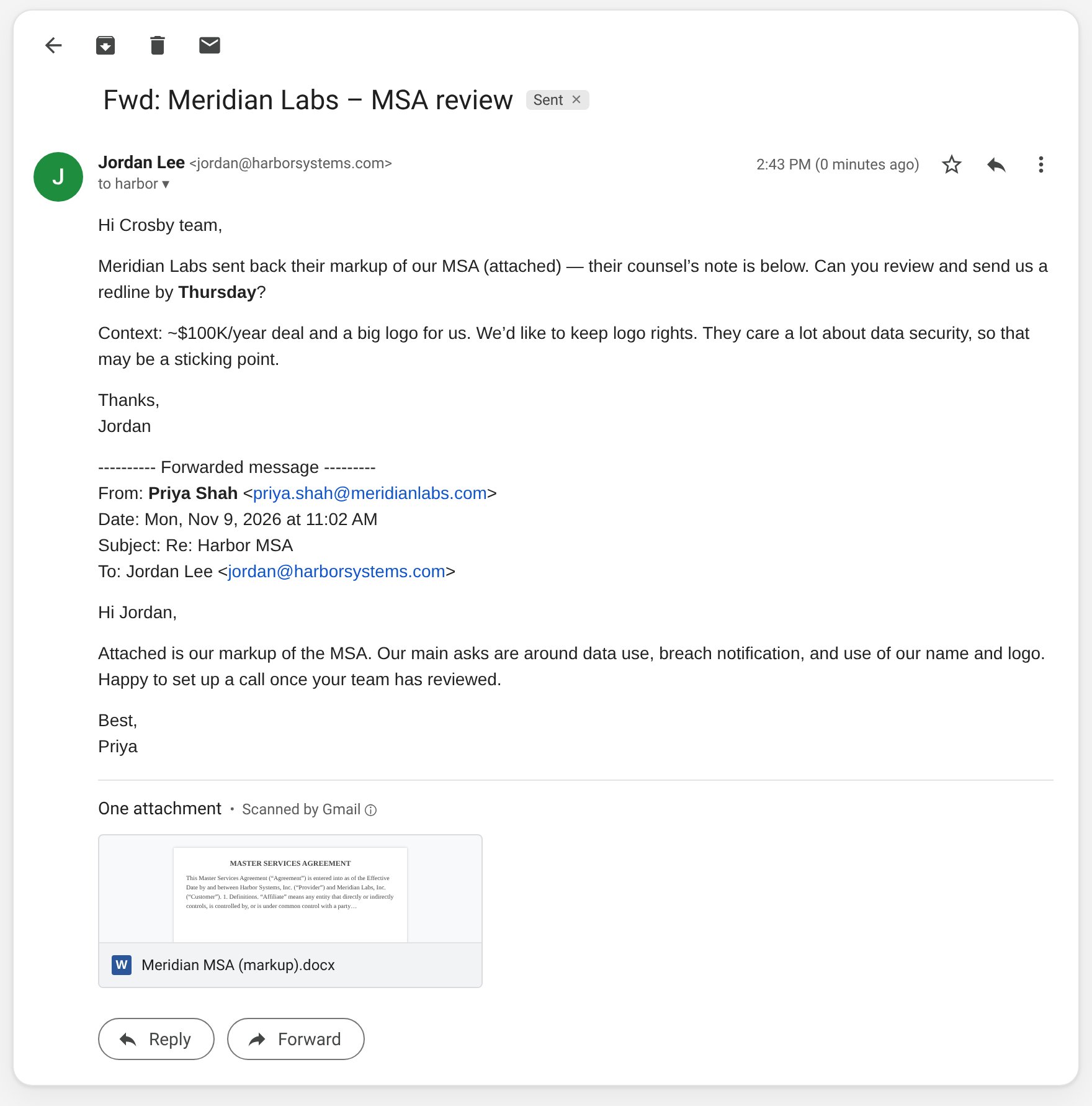
Forward the contract with a short note on what you need, timing, and context
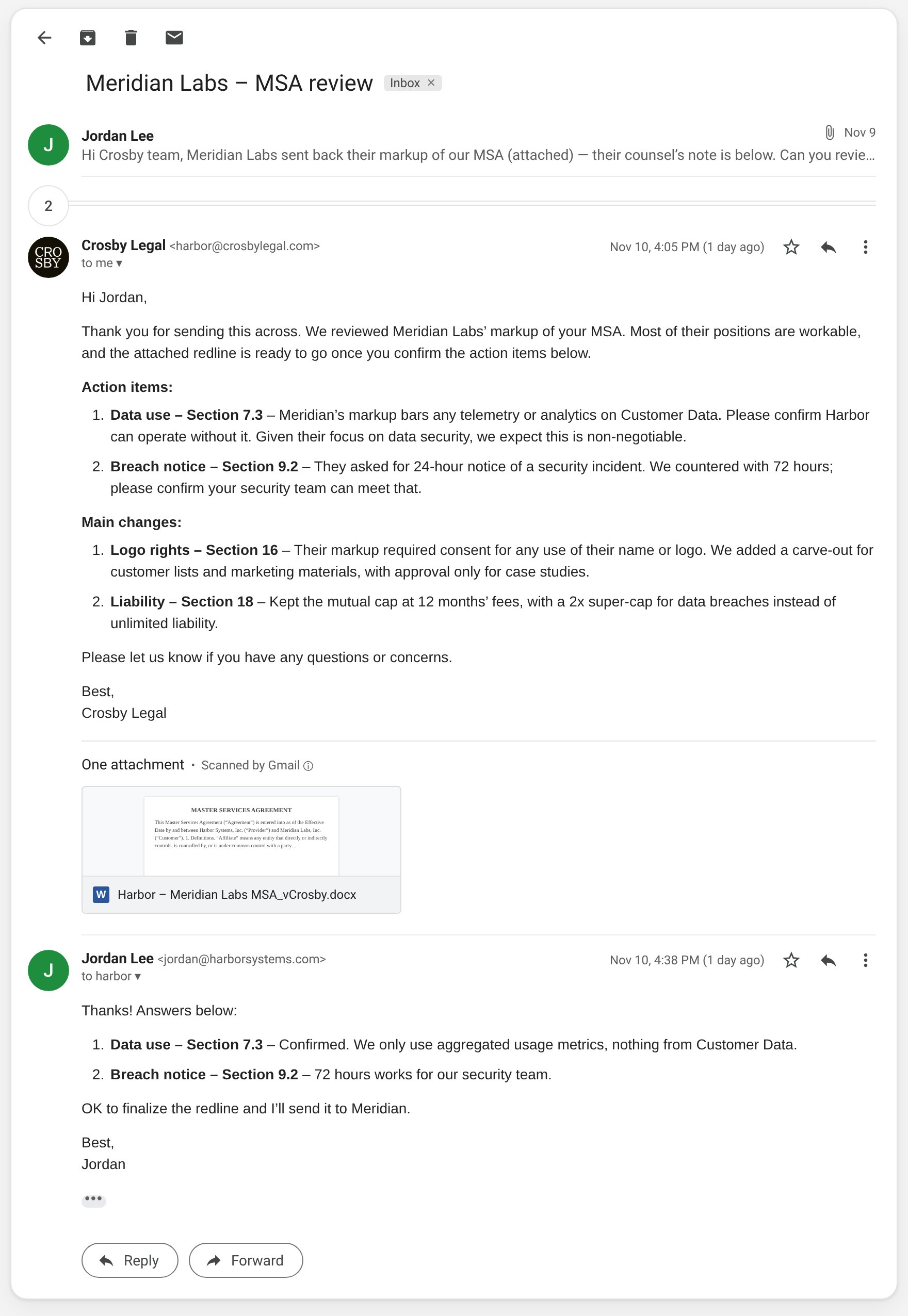
Crosby replies in the same thread with action items, main changes, and the redline
Don’t create a new thread for every counterparty reply
Forwarding each counterparty email separately opens a new Crosby thread and makes it easy to miss context. Instead:- Reply in the existing Crosby thread and attach / paste what the counterparty sent, or
- CC Crosby on the live email with the counterparty — Crosby will ingest it and stay in the loop without you re-forwarding every turn
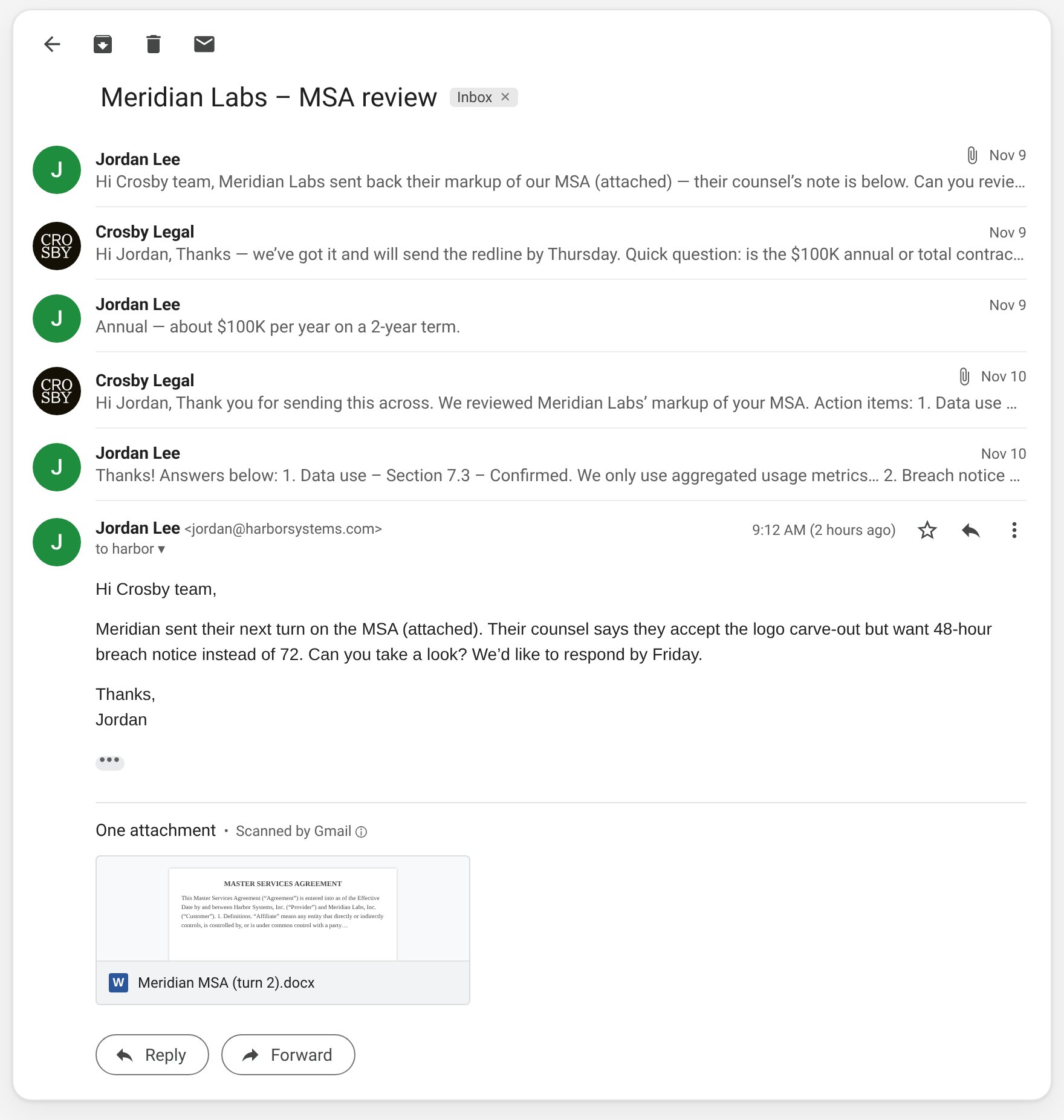
One deal, one thread: reply in the existing thread with the counterparty’s next turn
What to include
Helpful up front (Crosby will ask if something’s missing):- What you need — redline, next turn, clarifying question, clean copy, etc.
- Timing — especially if there’s a deadline
- Counterparty name
- Context — deal size, risk tolerance, terms you care about
- Documents — Word preferred for markup; PDF ok for reference
Crosby never emails the counterparty unless you ask
Most teams keep counterparty sends themselves. If you want Crosby to email the counterparty (and keep you copied, or draft for your review first), ask your Crosby contact to enable it — then say so explicitly on the matter.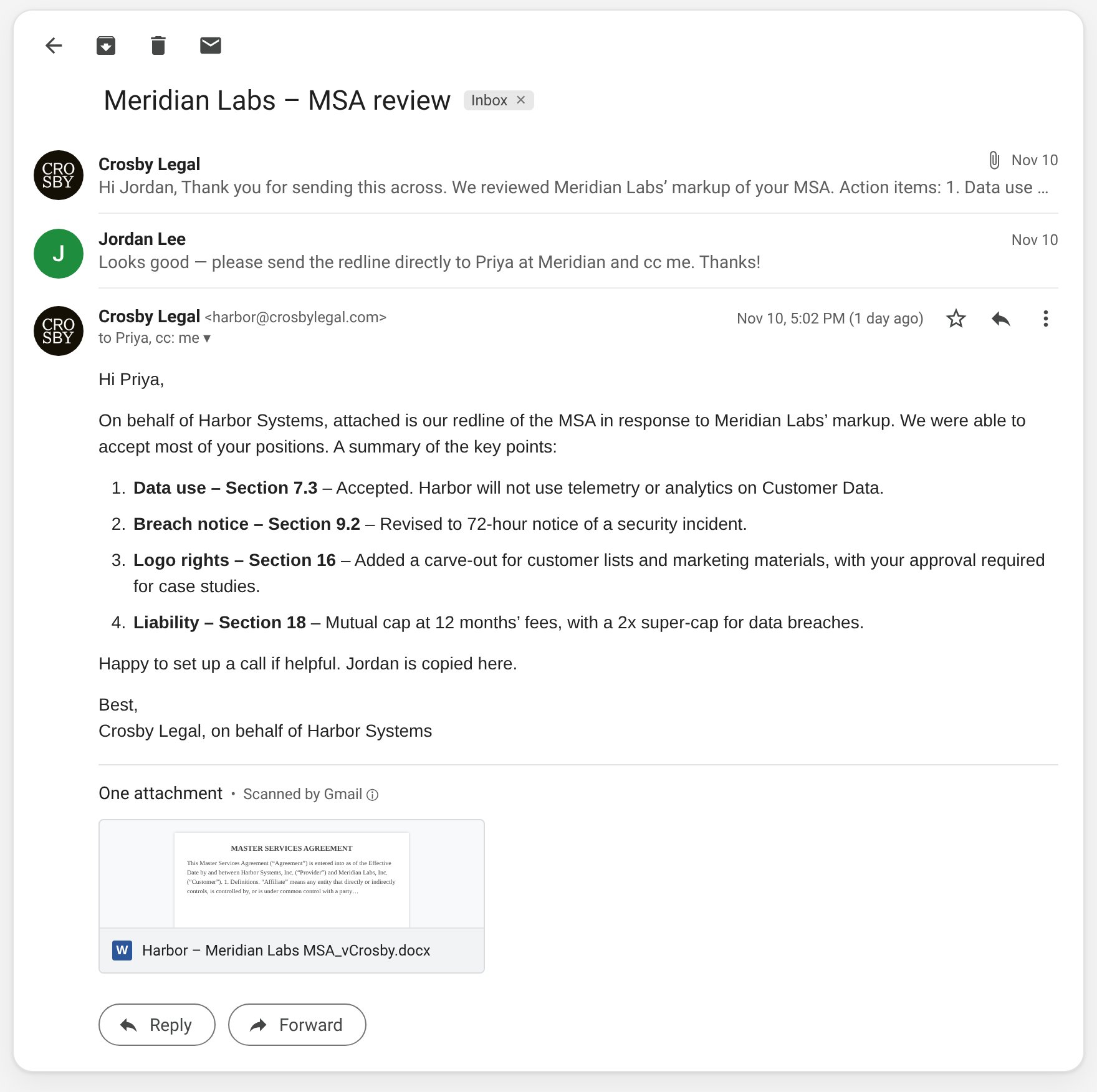
Crosby emails the counterparty only when you ask (and the feature is on), with you cc’d
Optional extras
- Escalation / CC rules — we can auto-CC named legal or commercial contacts on Crosby emails; tell your Crosby contact who and when
- Instant confirmation — opt-in auto-ack when you email Crosby directly or @-tag the Crosby address in a thread where we’re CC’d
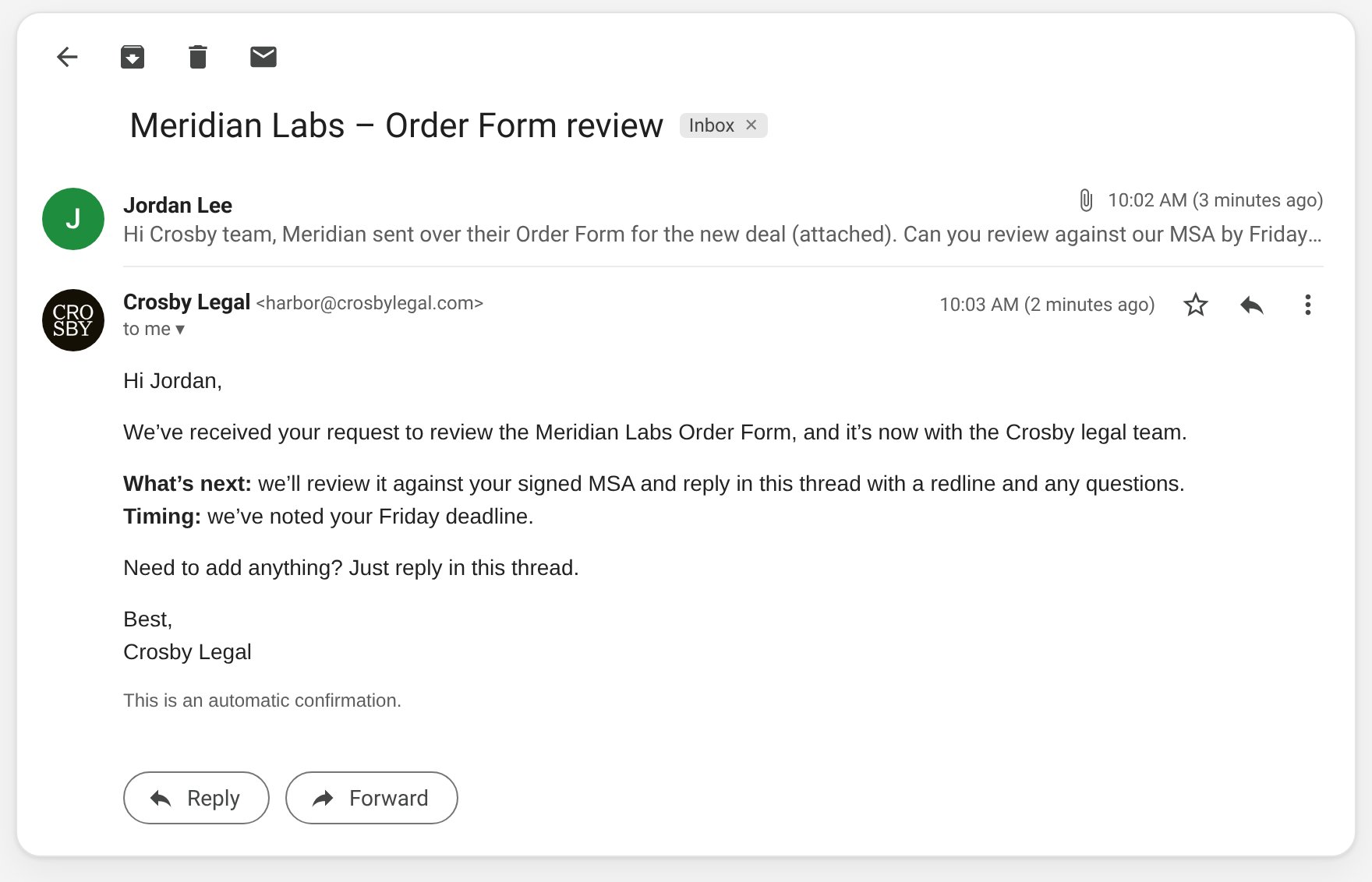
Optional instant confirmation that Crosby received your request
Quick tips
- Lead with the ask and deadline near the top
- Clear subjects that include the counterparty name help later
- Prefer source files over screenshots of contract text
- If sharing a Drive link, give analyst@crosbylegal.com view access first